Already a Creator?

The Creator Portal has everything you’ll need to set up a free or paid story on the platform. (Available on Desktop Only)
Creator PortalLog into the Creator Portal to get started with your Story City Account.
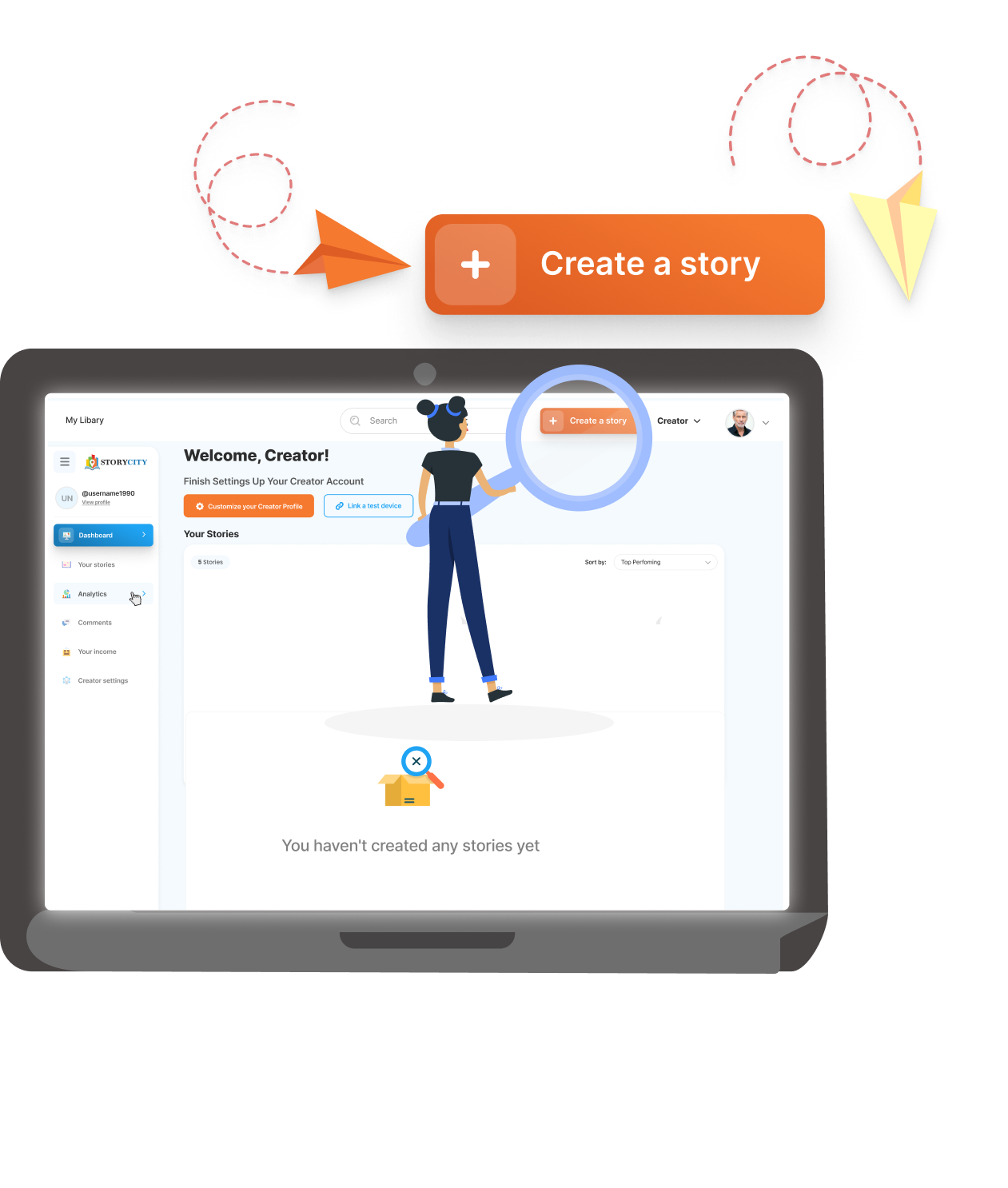
Create a new story – you can create and manage multiple adventures through your account.
There are a range of styles and genres already set up for creators to use.
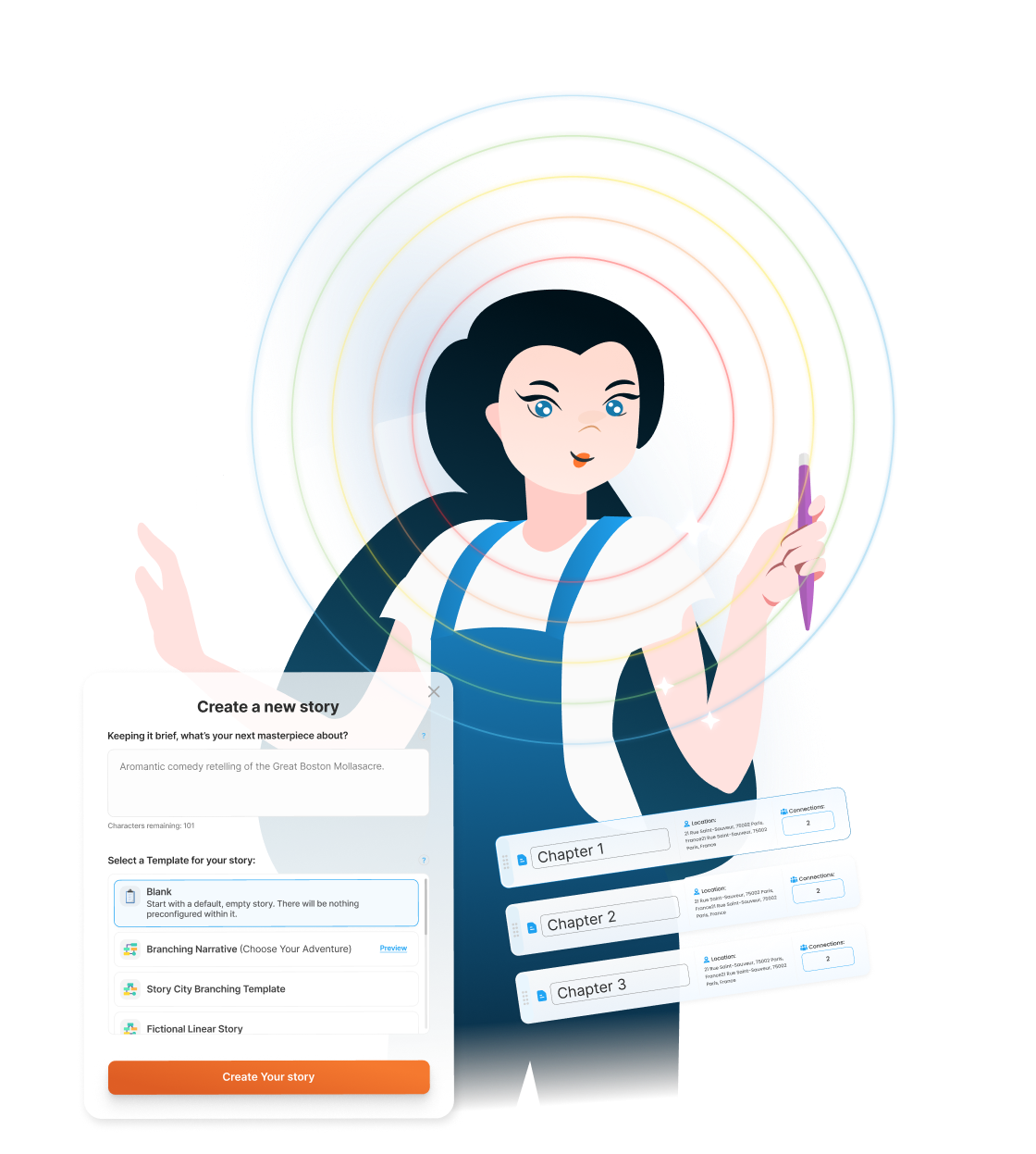

Use Text, Audio, and Images to bring your story to life (Video Coming Soon).
Select how you want to publish – and how much your story costs.


The Story City team will review and approve your content before it goes live.
Join our creator forums, livestreams and share your story with the world!
Discord

Want our help to create an adventure for your channel, brand or community?